My Canon EOS R6 Mark II Infrared Setup
My full-spectrum Canon R6 Mark II, Kolari drop-in filter system, Canon EF lens, and the editing tools behind my infrared photography.
The camera
One of the cameras I use for infrared photography is a Canon EOS R6 Mark II converted to full spectrum by Kolari Vision.
A full-spectrum conversion gives me considerably more flexibility than a camera converted for only one infrared wavelength. Instead of being locked into a single infrared look, I can change filters depending on the type of photograph I want to make.
I also use a Canon EOS 80D converted by Kolari Vision specifically for 720 nm infrared photography. The 80D gives me a dedicated 720 nm camera, while the R6 Mark II is the more flexible part of my infrared system.
The lens and Kolari drop-in adapter
I normally pair the R6 Mark II with a Canon EF 24-105mm f/4L IS USM lens.
Because the R6 Mark II uses Canon’s RF mount and the 24-105mm is an EF lens, I use the Kolari EF-EOS R Drop-in Filter Mount Adapter between the camera and lens.
The adapter serves two purposes in my setup. It allows me to use the Canon EF lens on the RF-mount R6 Mark II, and it provides a slot for Kolari drop-in filters between the camera body and lens.
Canon EOS R6 Mark II full-spectrum body → Kolari EF-EOS R Drop-in Filter Mount Adapter → Kolari drop-in filter → Canon EF 24-105mm f/4L IS USM lens.
Read my complete guide to the Kolari drop-in infrared filter system →
The filter collection
My infrared filter collection includes Kolari Vision Candy Chrome and 550, 590, 665, 720, and 850 nm options, along with UV/IR-cut, hot-mirror, and clear filters.
Changing the drop-in filter changes what reaches the full-spectrum sensor and gives me different starting points for traditional infrared, false-color infrared, and other types of photography.
One advantage of putting the filter inside the adapter is that I don’t have to put a different infrared filter on the front of the lens every time I want to change wavelengths.
From the camera to the finished image
I work with Canon CR3 RAW files and use photography tools on both Windows and Linux. GIMP, darktable, and RawTherapee are part of my editing workflow.
White balance, channel mixing—including red/blue channel swapping—and LUTs are among the adjustments I use with infrared photographs. The exact choices depend on the photograph and the look I’m working toward.
Full spectrum versus dedicated 720 nm
The R6 Mark II and my dedicated 720 nm Canon EOS 80D give me two different ways of working.
If I specifically want to shoot 720 nm, the 80D is ready for that job. With the full-spectrum R6 Mark II, I can change the drop-in filter and move among several different infrared wavelengths and creative looks without changing camera bodies.
See my dedicated Canon EOS 80D 720 nm infrared setup →
What comes next
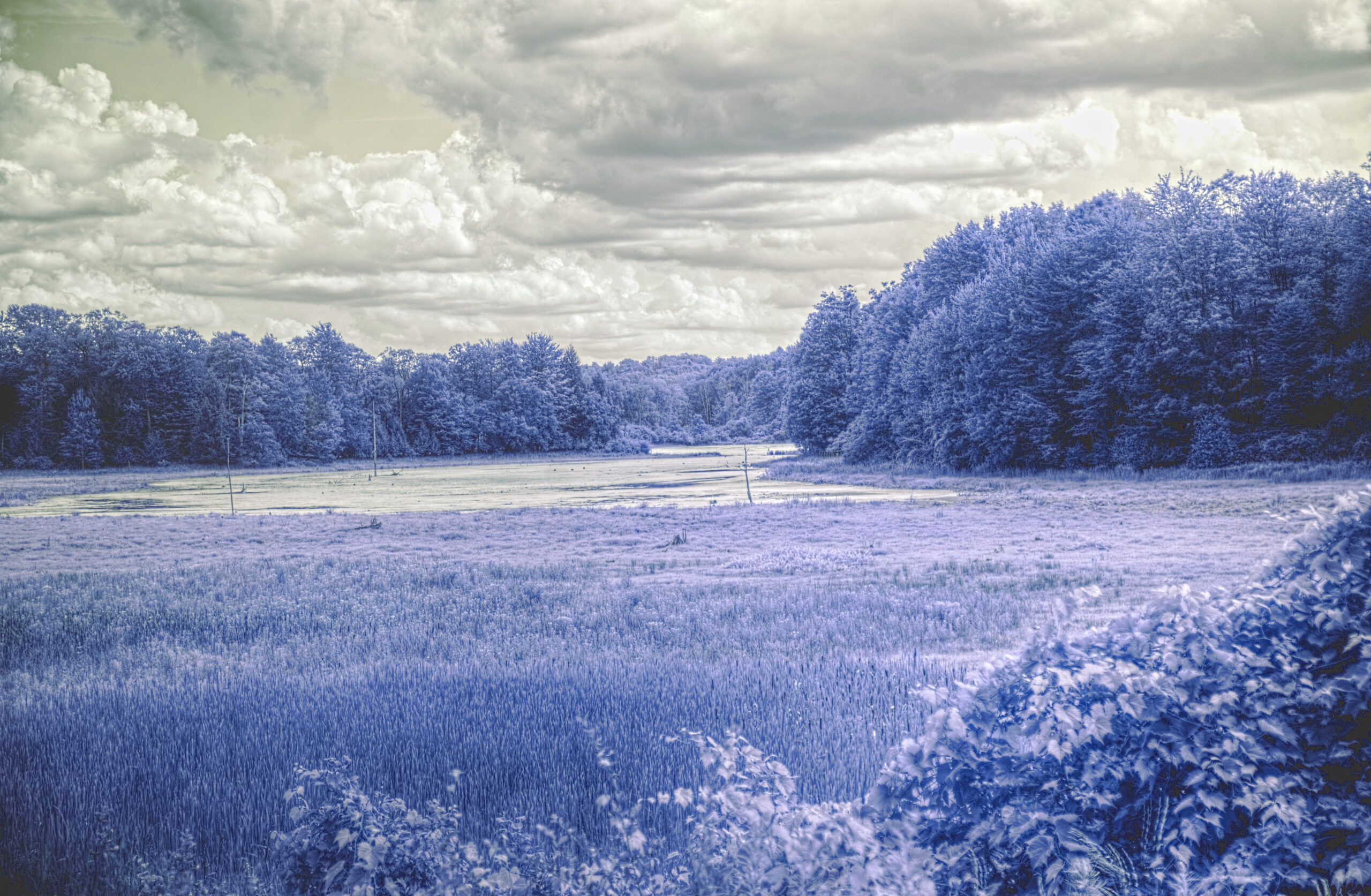
The next step is showing what these combinations actually produce. I plan to add photographs made with different filters, along with camera settings and information about how each image was processed.
That will make it possible to compare filters using real photographs rather than relying only on wavelength numbers or manufacturer descriptions.
FIDO Gear Guide · Real Gear. Real Experience. Real Adventures.